Ecommerce shipping software: how to reduce manual shipment work
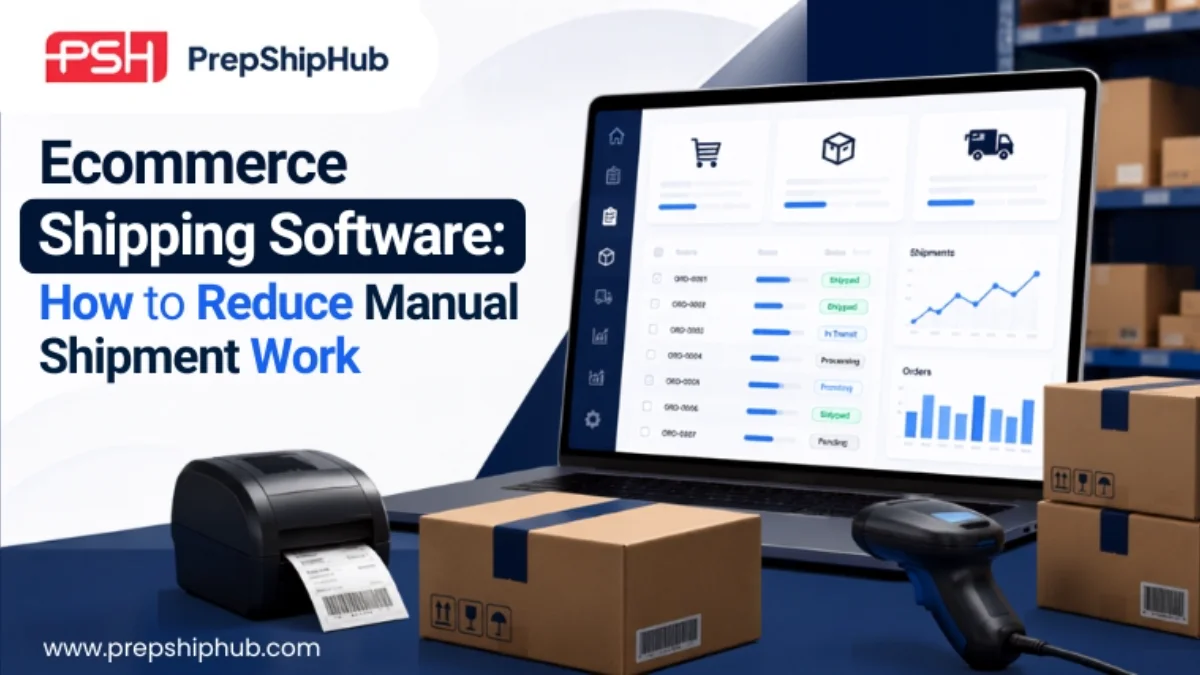
Ecommerce shipping software to reduce manual shipment work.jpg
Shipping is often the most manual part of running an ecommerce business. Someone checks each order, picks a carrier, prints a label, and updates tracking by hand. That works fine at low volume. It breaks down fast once order counts climb.
40% of retailers cite rising carrier shipping costs as a top reason they charge for returns, according to the National Retail Federation's 2025 Retail Returns Landscape report.
Rising costs make manual shipping even harder to justify. Every extra minute spent on label creation or carrier selection adds labor cost on top of rising carrier fees. Ecommerce shipping software removes this manual layer by connecting order data, carrier rates, and label generation into one automated workflow.
What is ecommerce shipping software?
Ecommerce shipping software sits between your order management system and your carriers. It pulls order details automatically, selects a shipping method, generates a label, and pushes tracking information back to the customer. Instead of a person touching every order, the system handles the repetitive steps and flags only the exceptions that need a human decision.
For sellers running Amazon FBA, Walmart WFS, or multi-channel storefronts, this typically means one dashboard. Labels, rates, and tracking are managed across every carrier and every sales channel.
Where manual shipment work creeps in
Manual shipping tasks rarely look like a single big problem. They show up as dozens of small, repetitive steps that add up across hundreds or thousands of orders a month.
Label creation and carrier selection
Without automation, someone has to check each order, decide which carrier and service level to use, and generate the label by hand. At low volume this takes minutes. At higher volume it becomes a full-time task, and rushed decisions lead to the wrong service level being selected.
Tracking updates and customer notifications
Customers expect tracking information soon after an order ships. Manually copying tracking numbers into emails or marketplace systems is slow and easy to get wrong. A missed update often turns into a support ticket instead of a routine notification.
How shipping software automates the process
Shipping software removes these manual steps by connecting directly to your order data and your carrier accounts.
Rate shopping and carrier integration
The software compares live rates across connected carriers for each order. It automatically selects the most cost-effective option based on rules you set, such as delivery speed, package weight, or destination zone.
Batch label printing and packing workflows
Instead of generating labels one at a time, teams can batch-print labels for dozens or hundreds of orders in one action. This turns a repetitive manual task into a single workflow step.
Automated tracking and delivery updates
Once a label is created, tracking numbers sync back to the order automatically. Customers receive shipping confirmation and delivery updates without anyone manually copying information between systems.
Connecting shipping to inventory and orders
Shipping software that operates as a standalone tool still leaves gaps. If it isn't connected to inventory and order data, someone still has to manually confirm stock before a label gets created. That reintroduces the exact bottleneck automation is meant to remove.
Employment in the U.S. transportation and warehousing sector grew from 4.2 million workers in 2003 to 6.6 million in 2023. The Bureau of Labor Statistics projects it will reach 7.0 million by 2033.
Warehouse and shipping labor demand keeps growing. Businesses get the most value from that labor by pairing shipping automation with connected inventory and order data. This is why PrepShipHub treats shipping as one part of a connected system rather than an isolated tool. Order data, inventory counts, and shipping activity update together. A label never gets created for an item that isn't actually in stock.
Inbound shipment coordination for FBA/WFS sellers
Shipping automation isn't limited to outbound orders. For Amazon FBA and Walmart WFS sellers, inbound shipments carry their own labeling and compliance requirements, including FNSKU and ASIN details. Shipping software that tracks inbound shipment status alongside outbound labels gives prep centers and 3PLs one place to confirm receiving and catch labeling errors. This helps them avoid marketplace compliance issues before they happen.
Choosing ecommerce shipping software
A few factors separate shipping software that actually reduces manual work from tools that just move it elsewhere:
Carrier coverage — Does it support the carriers you actually use, including regional and international options?
Rate automation — Does it select rates automatically based on rules, or does someone still have to compare options manually?
Batch capability — Can it print labels in bulk for high-volume days, not just one order at a time?
Inventory and order integration — Does it connect to your inventory and order data, or does it operate in isolation?
Inbound support — Does it handle inbound shipment labeling for FBA or WFS, not just outbound orders?
Frequently asked questions
What's the difference between shipping software and a shipping label tool?
A shipping label tool generates individual labels. Shipping software goes further. It connects to order and carrier data to automate rate selection, batch printing, and tracking updates across your entire order volume.
Can ecommerce shipping software handle multiple carriers automatically?
Yes. Most ecommerce shipping software connects to several carriers at once and applies rate-shopping rules automatically. The system picks the best carrier and service level for each order without manual comparison.
Does shipping software help with Amazon FBA inbound shipments?
Platforms built for ecommerce operations, including PrepShipHub, track inbound shipment labeling and compliance requirements alongside outbound orders. This gives prep centers and sellers one system for both directions of shipment activity.
Cut the manual work out of shipping
Manual shipping tasks scale poorly. As order volume grows, label creation, carrier selection, and tracking updates become a bottleneck. That bottleneck slows the whole fulfillment process down. Ecommerce shipping software automates these steps. When connected to inventory and order data, it also removes the manual reconciliation that standalone tools still require.
Book a demo to see how PrepShipHub connects shipping, inventory, and orders in one platform.
Related articles
PrepShipHub vs. Extensiv 3PL Central: A Fulfillment Software Comparison
Today, both tools genuinely run multi-client fulfillment, so the real decision is not which one has more features. It is whether an operation needs a broad, dedicated warehouse management system, or a platform built around Amazon FBA and prep center workflows that stands up without a long implementation.
 ·Oct 26, 2026·6 min
5 Features Every 3PL Inventory Management Software Needs for Multi-Client Warehouses
This article walks through five capabilities that matter most once a warehouse is managing inventory for multiple clients at once, drawn from the evaluation criteria operators actually use rather than a generic feature list.
·Oct 16, 2026·8 minPrepShipHub vs. Hopstack: Fulfillment Software Comparison for Prep Centers and 3PLs
Both platforms genuinely support FBA prep workflows, so the real decision is not which one covers the basics. It is whether an operation needs industrial-scale warehouse automation, or a platform purpose-built around prep center client management and billing.
·Oct 14, 2026·6 min