Prep Center Management Software: How to Manage Clients, Billing, Shipments, and Inventory
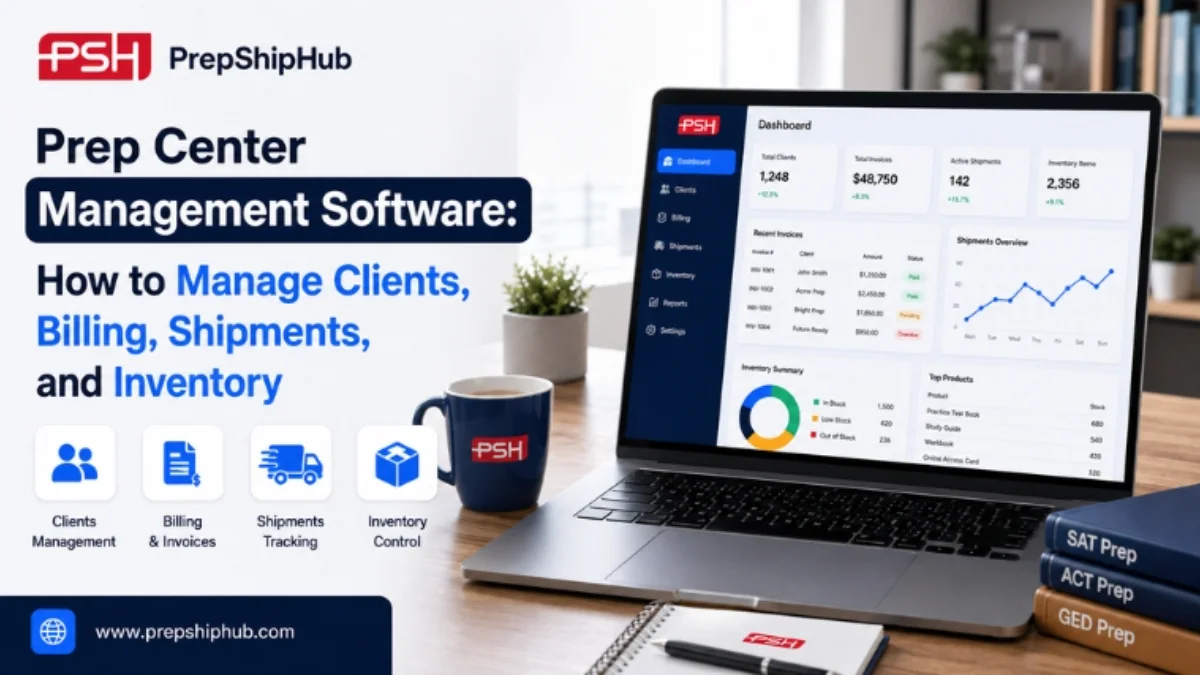
Prep Center Management Software
Running a prep center in 2026 means juggling more moving parts than ever. Incoming client shipments, per-unit billing, Amazon FBA prep work, and inventory all have to stay accurate down to the SKU. When these tasks live across spreadsheets, email threads, and disconnected tools, mistakes creep in and clients lose confidence.
Prep center management software brings client accounts, billing, shipments, and inventory into one system, so your team spends less time reconciling data and more time moving product. This guide covers what prep center management software does, how it handles each core function, and what to look for before you choose one.
What is prep center management software?
Prep center management software is a cloud-based system built for businesses that receive, prepare, and ship inventory on behalf of Amazon FBA sellers, Walmart WFS sellers, and other ecommerce brands. Instead of tracking client shipments in one spreadsheet, billing in another, and inventory counts in a third, the software centralizes all three. Your team then works from a single source of truth.
For prep centers and third-party logistics providers, this matters because clients expect real-time answers to simple questions. Where is my shipment? What do I owe this month? How many units are left in stock?
Software for FBA prep centers answers these questions automatically. That cuts down on the back-and-forth emails that eat into a team's day. It also gives owners a clearer picture of margins per client, since labor, storage, and shipping activity are all logged in one place instead of scattered across separate tools.
Managing client accounts and communication
Client-facing FBA prep center management is often where operations start to break down. Once a business grows past a handful of accounts, manual updates cannot keep pace with the volume of questions coming in.
Client portals and visibility
A prep center handles multiple clients at once, often with different service agreements, storage rates, and shipping preferences. Prep center management software gives each client a private portal. There, they can see their own inventory levels, shipment status, and billing history without calling or emailing your team for updates.
Reporting and communication workflows
Automated notifications tell clients when inventory arrives, when a shipment goes out, or when stock runs low. This FBA prep center management approach keeps clients informed by default, rather than leaving them to chase status updates from your staff.
Streamlining billing and invoicing
Automated billing rules
Manual billing is one of the most time-consuming parts of running a prep center. Billing rules built into prep center software can charge per unit received, per unit shipped, per storage bin, or per special service such as labeling or bundling. These charges apply automatically as work is logged.
Invoice generation and payment tracking
Instead of building invoices by hand at the end of the month, the system generates them from logged activity and tracks which clients have paid. This reduces billing disputes, since every charge traces back to a specific, timestamped action in the client's account.
Managing shipments efficiently
Inbound shipment tracking
Every inbound shipment needs to be checked against what the client expected, logged, and made visible in inventory right away. FBA prep software should flag discrepancies, such as short-shipped cartons or mislabeled boxes, before they turn into client disputes.
Outbound and multi-channel shipping
Outbound shipments often need to satisfy different requirements: Amazon FBA labeling rules, Walmart WFS packaging standards, or a client's own direct-to-consumer orders. Prep center management software applies the correct workflow for each channel, so staff are not relying on memory or printed reference sheets.
Inventory visibility and control
Real-time stock tracking
Real-time inventory counts stop teams from promising space or capacity that does not actually exist. When counts update the moment a unit is received, shipped, or moved, both your team and the client are working from the same numbers.
SKU and FNSKU-level management
Amazon requires FNSKU-level tracking, so this type of software needs to manage inventory below the simple product level. It has to track condition, lot, and client ownership for every unit on the shelf.
According to McKinsey, applying AI-driven forecasting to supply chain management can reduce errors by 20% to 50% and cut lost sales from stockouts by as much as 65%. For a prep center, bringing that same level of automation to daily counts and reconciliations means fewer disputes with clients over inventory that was simply miscounted, not missing. Source: McKinsey & Company
How to choose the right prep center management software
Use this checklist when comparing FBA Prep Center Software platforms. A three-person prep center serving 40 Amazon sellers can lose hours every week manually building invoices and answering "where is my shipment" emails. Centralizing these functions turns that weekly reconciliation work into an automatic process, freeing staff to focus on receiving and shipping instead of admin work.
What to check | Why it matters |
|---|---|
Client portal access | Cuts down status-update emails from clients |
Automated billing rules | Reduces invoice disputes and manual data entry |
FBA and WFS workflows | Keeps shipments compliant across marketplaces |
Real-time inventory | Prevents overbooking and stockouts |
Integrations | Connects with existing marketplace and carrier accounts |
If you are evaluating FBA Prep Center Software for the first time, start with these five criteria before adding others specific to your operation, such as reporting formats or client-facing branding. Most prep centers find that the first three items on this list, client visibility, automated billing, and real-time inventory, deliver the fastest return, since they directly reduce the number of manual questions your team has to answer every day.
Conclusion
Prep center management software delivers the most value when it replaces disconnected spreadsheets and manual processes with one connected system for clients, billing, shipments, and inventory. Amazon FBA and Walmart WFS volumes will keep growing through 2026, and prep centers that automate these core functions are better positioned to take on more clients without adding headcount for admin work.
The goal is not to add technology for its own sake. It is to give your team and your clients one accurate, shared view of what is happening at every stage of the process.
Reviewed by the PrepShipHub operations team, drawing on direct experience running prep center and fulfillment workflows for Amazon and Walmart sellers.
If you are ready to see how this looks for your own prep center, explore PrepShipHub's software for FBA prep centers.
Frequently asked questions
What does prep center management software do?
It centralizes client accounts, billing, shipment tracking, and inventory counts into one system, replacing spreadsheets and manual processes with a connected record for every prep center client.
Can prep center management software handle client billing automatically?
Yes. Most prep center management software applies billing rules automatically based on logged activity, such as units received, units shipped, storage used, or special services performed. It then generates invoices without manual entry and flags any charge that looks unusual for a manager to review.
Does prep center management software integrate with Amazon FBA?
Most platforms built for this market, including FBA prep software, connect directly with Amazon Seller Central and Walmart WFS to sync shipment requirements, FNSKU labeling rules, and inventory data automatically.
Related articles
What Automated 3PL Inventory Management Software Eliminates (Beyond Spreadsheets)
This article looks past the time-savings headline at what automation eliminates, and why several of those eliminations matter more for keeping clients than for shortening a shift.
 ·Oct 31, 2026·7 min
PrepShipHub vs. Extensiv 3PL Central: A Fulfillment Software Comparison
Today, both tools genuinely run multi-client fulfillment, so the real decision is not which one has more features. It is whether an operation needs a broad, dedicated warehouse management system, or a platform built around Amazon FBA and prep center workflows that stands up without a long implementation.
·Oct 26, 2026·6 min5 Features Every 3PL Inventory Management Software Needs for Multi-Client Warehouses
This article walks through five capabilities that matter most once a warehouse is managing inventory for multiple clients at once, drawn from the evaluation criteria operators actually use rather than a generic feature list.
·Oct 16, 2026·8 min